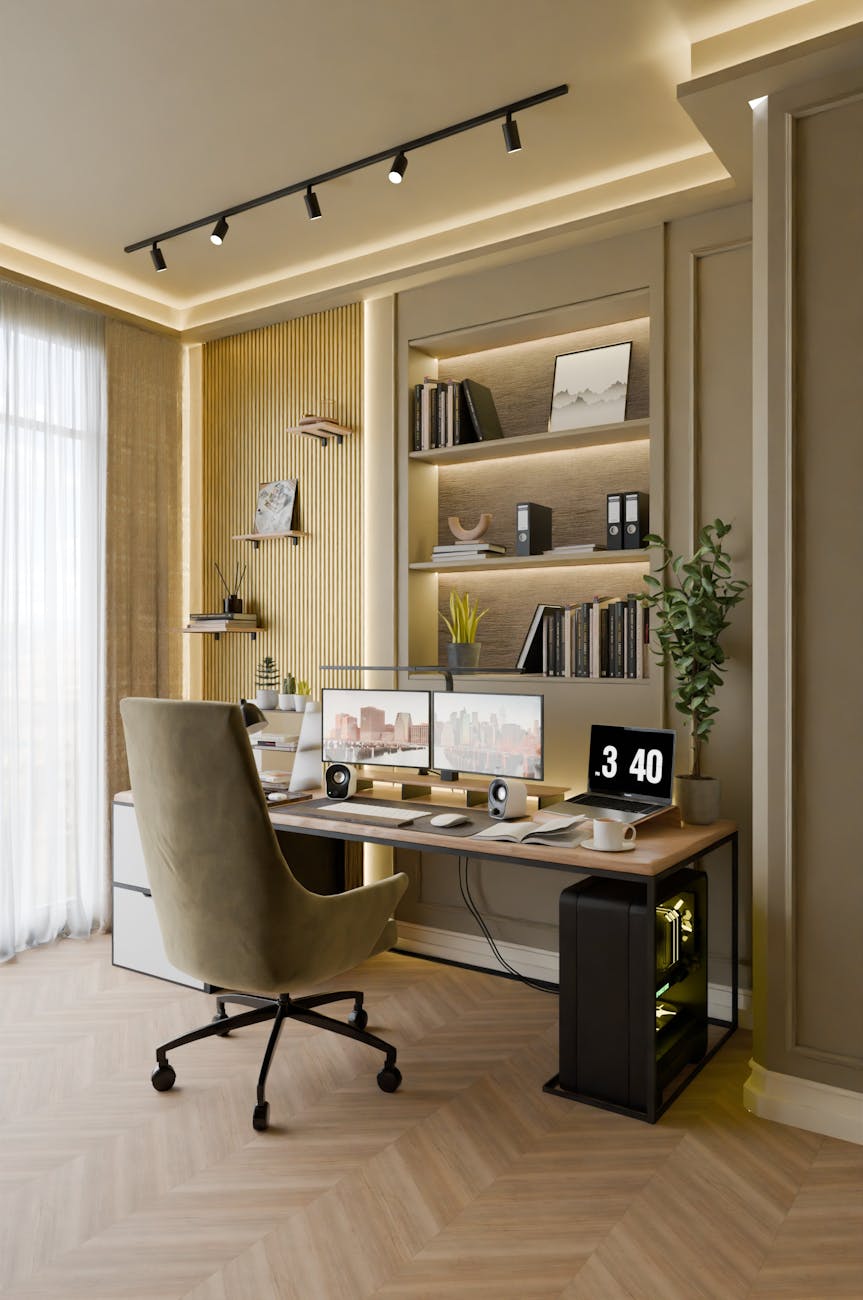
Moving home office gear takes more planning than packing a standard desk drawer. Monitors, laptops, cables, printers, ergonomic chairs and work documents all need to arrive safely and be easy to set up again. Whether you are moving across town, between New Zealand cities or overseas, a clear process helps protect your equipment, reduce downtime and keep your work routine intact.
Do Plan Your Equipment Before Packing
Start by listing every key item in your home office, including computers, monitors, docking stations, routers, hard drives, printers, microphones, webcams and specialised accessories. This helps you see what needs careful handling and what can be packed with general household items. If you are moving a full work-from-home setup, it may also be worth noting which items you will need immediately after arrival.
For larger moves, especially those involving fragile screens or multiple devices, it can help to work with experienced relocation providers such as the Crown Relocations team of professional movers. This is particularly useful when home office gear needs to be packed alongside furniture, personal belongings and other valuable household items.
Don’t Leave Data Protection Until Moving Day
Before any device is unplugged, back up important files to a secure cloud platform or external drive. Moving creates a small but real risk of device damage, loss or access issues, so a current backup gives you a safety net. For business users, this is also important for protecting client files, financial records and work documents.
You should also consider data encryption, password protection and remote access settings before the move. If a laptop, tablet or hard drive is misplaced during transit, these safeguards reduce the risk of sensitive information being exposed.
Do Label Cables and Accessories Clearly
Cables are often the smallest items in a home office move, but they can cause the biggest setup delays. Before unplugging anything, take photos of the back of your monitor, computer, modem and docking station. These photos give you a simple visual reference when reconnecting everything later.
Label each cable with masking tape or small tags, noting what it connects to. Keep chargers, adapters, mouse receivers and small accessories in sealed bags, then pack them with the device they belong to. This prevents the common problem of arriving with the right equipment but not knowing where the essential cable has gone.
Don’t Pack Screens Like Ordinary Items
Monitors, tablets and laptops need more protection than books or office supplies. Use original packaging where possible, as it is designed to hold each item securely. If that packaging is no longer available, wrap screens in soft protective material, keep pressure away from the display and avoid placing heavy items on top.
For desktop monitors, remove stands if the design allows it and pack them separately. Screens should be kept upright where practical, as this reduces pressure on the panel. It is also sensible to avoid packing loose objects in the same box, as even a small item can damage a screen during movement.
Do Keep Essential Work Items With You
Not every office item should go into the moving truck or shipping container. Keep essential devices, chargers, login details, work documents and any urgent files with you during the move. This is especially important if you need to return to work quickly after arriving.
A small “first day” office kit can make the transition easier. This might include your laptop, charger, mouse, headset, notebook, internet access details and any paperwork linked to your move. For international relocations, the Ministry of Primary Industries guidance notes that shipped personal effects may require documents such as a detailed inventory of goods, an unaccompanied personal baggage declaration, a bill of lading, an arrival notice or air waybill, and other declarations depending on the shipment. Keeping key paperwork separate means you can restart work even if the rest of your belongings take longer to unpack or clear the moving process.
Don’t Forget Your New Workspace Setup
A home office move is also a chance to think about how your new workspace will function. Before moving day, check where power points, internet connections and natural light are located. This helps you decide where the desk, chair and monitors should go before everything is unpacked.
You should also consider ergonomics, especially if you work long hours at a desk. Desk height, chair support, monitor position and lighting all affect comfort and productivity. Planning these details early can prevent unnecessary rearranging once your equipment has already been set up.
Set Up for a Smoother Work Restart
Moving with home office gear is easier when you treat it as a work continuity task, not just a packing job. Plan your equipment, protect your data, label every small component and keep essential items close. With the right preparation, your home office can be unpacked and running again with less stress, fewer delays and better protection for the tools you rely on every day.